Shopify Integration Guide
- Before you start
- Step 1: Add an app
- Step 2: Open the Shopify App Store
- Step 3: Find the Aymakan app
- Step 4: Install the app
- Step 5: Approve permissions
- Step 6: Log in to Aymakan
- Step 7: Set up collection information
- Step 8: Manage shipments
- Troubleshooting
Connect your Shopify store to Aymakan to automate shipping and print Air Waybills (AWB) for your orders.
Before you start
You need:
- An active Aymakan merchant account, plus the email and password you use for the AyMakan Customer Dashboard.
- Permission to install apps on your Shopify store.
Step 1: Add an app
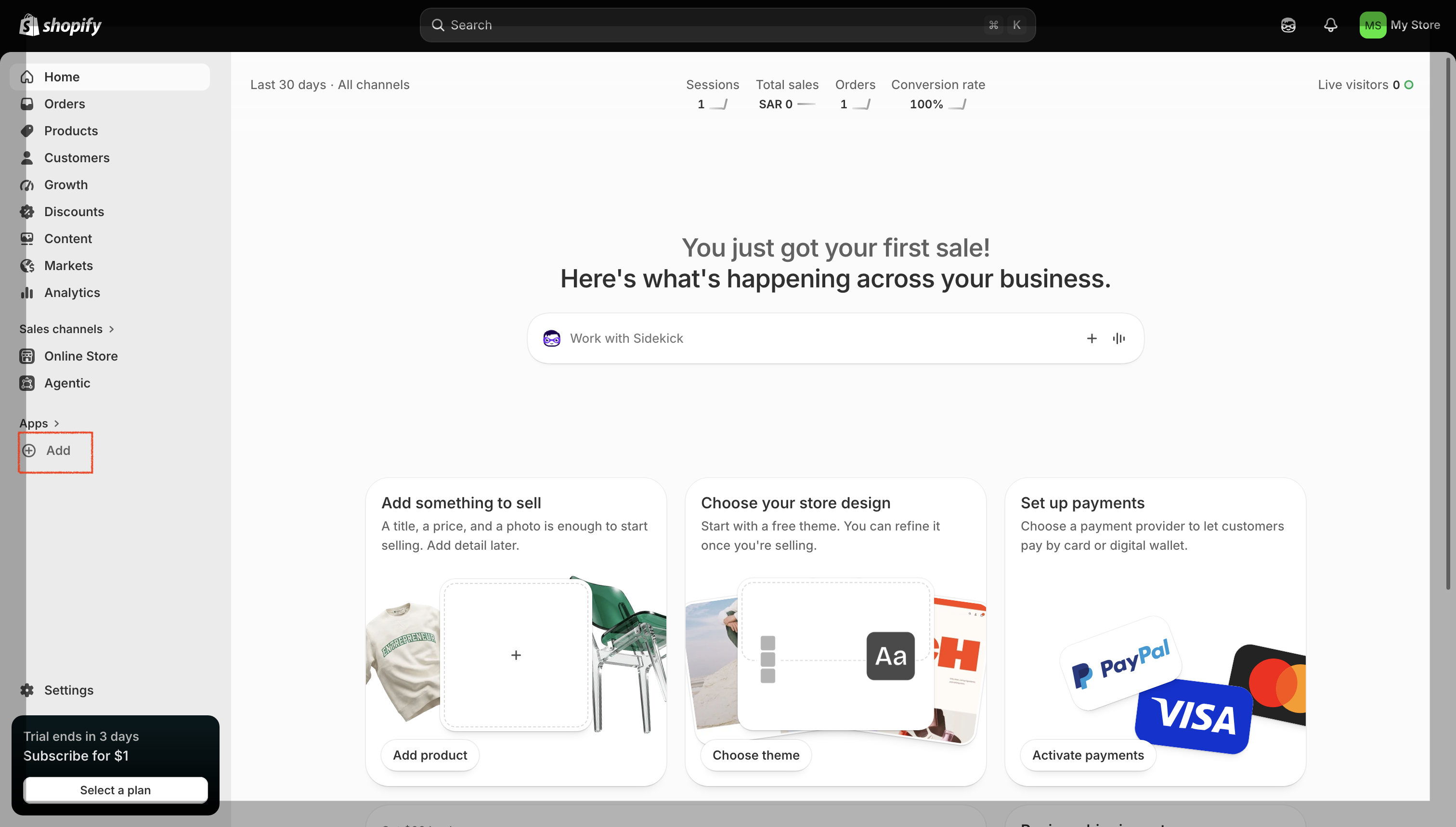
- Open your Shopify admin.
- In the sidebar, under Apps, click Add.
Step 2: Open the Shopify App Store
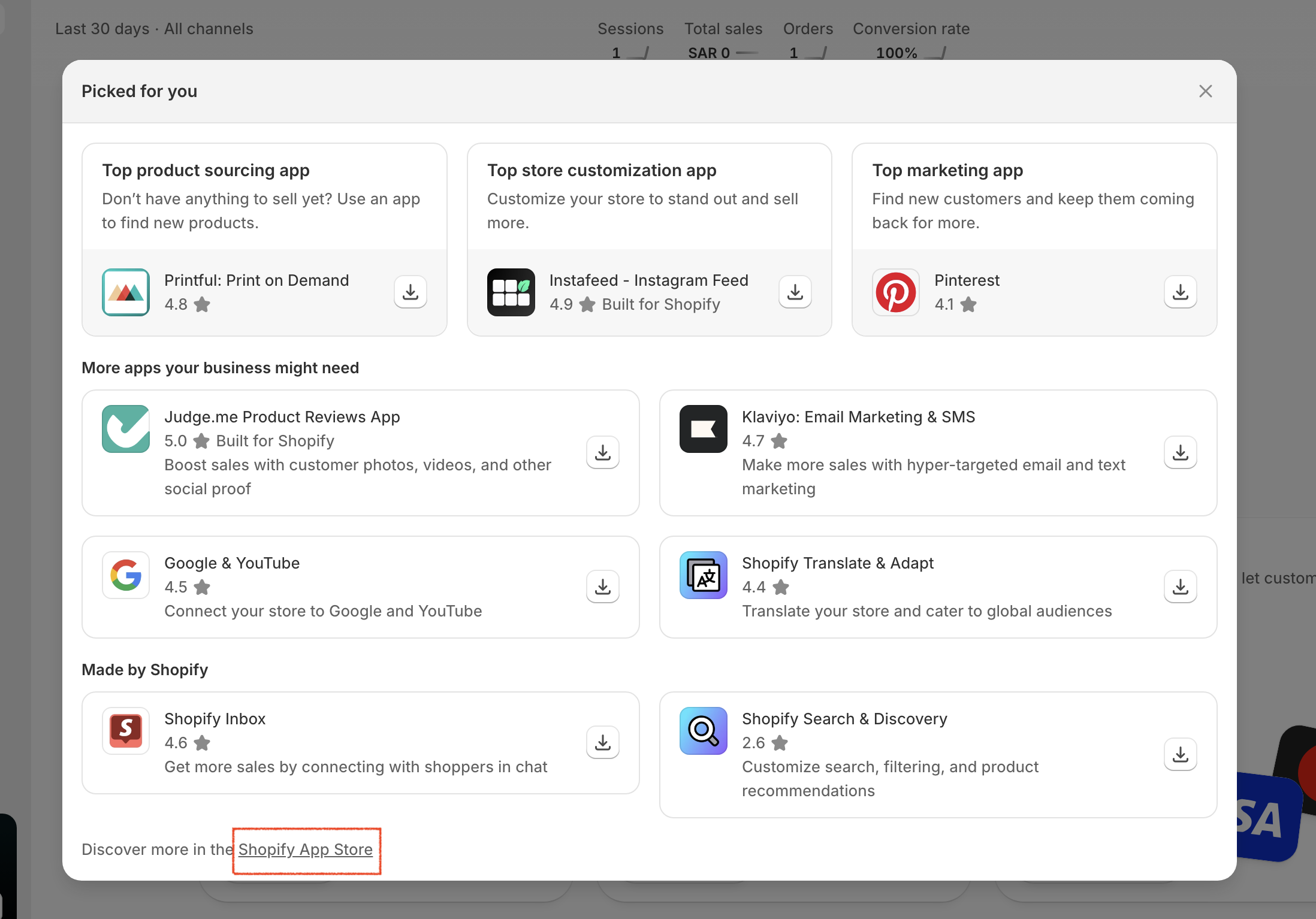
- A Picked for you pop-up appears.
- Scroll to the bottom and click the Shopify App Store link.
Step 3: Find the Aymakan app
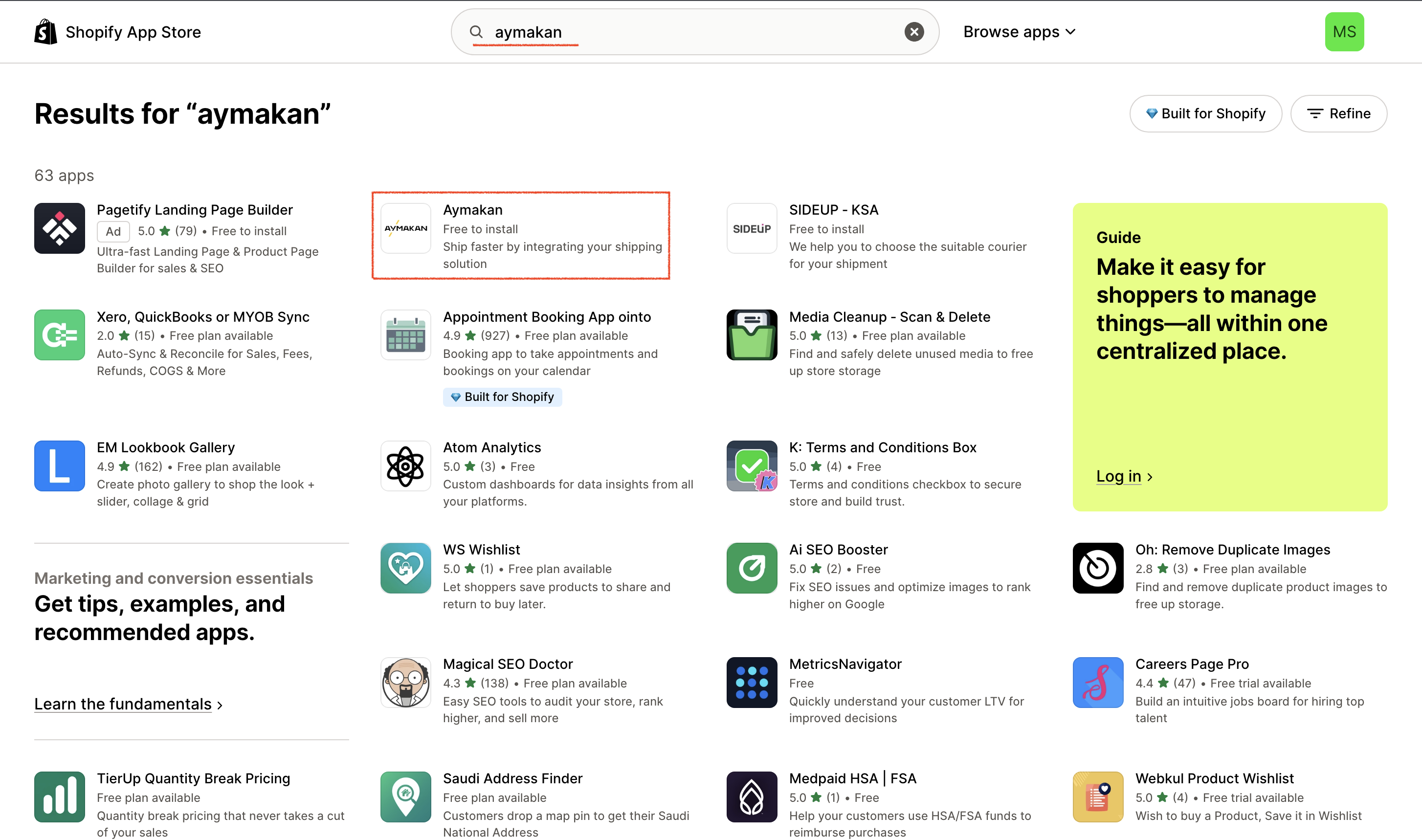
- In the App Store search bar, type aymakan.
- Click Aymakan in the results.
Step 4: Install the app
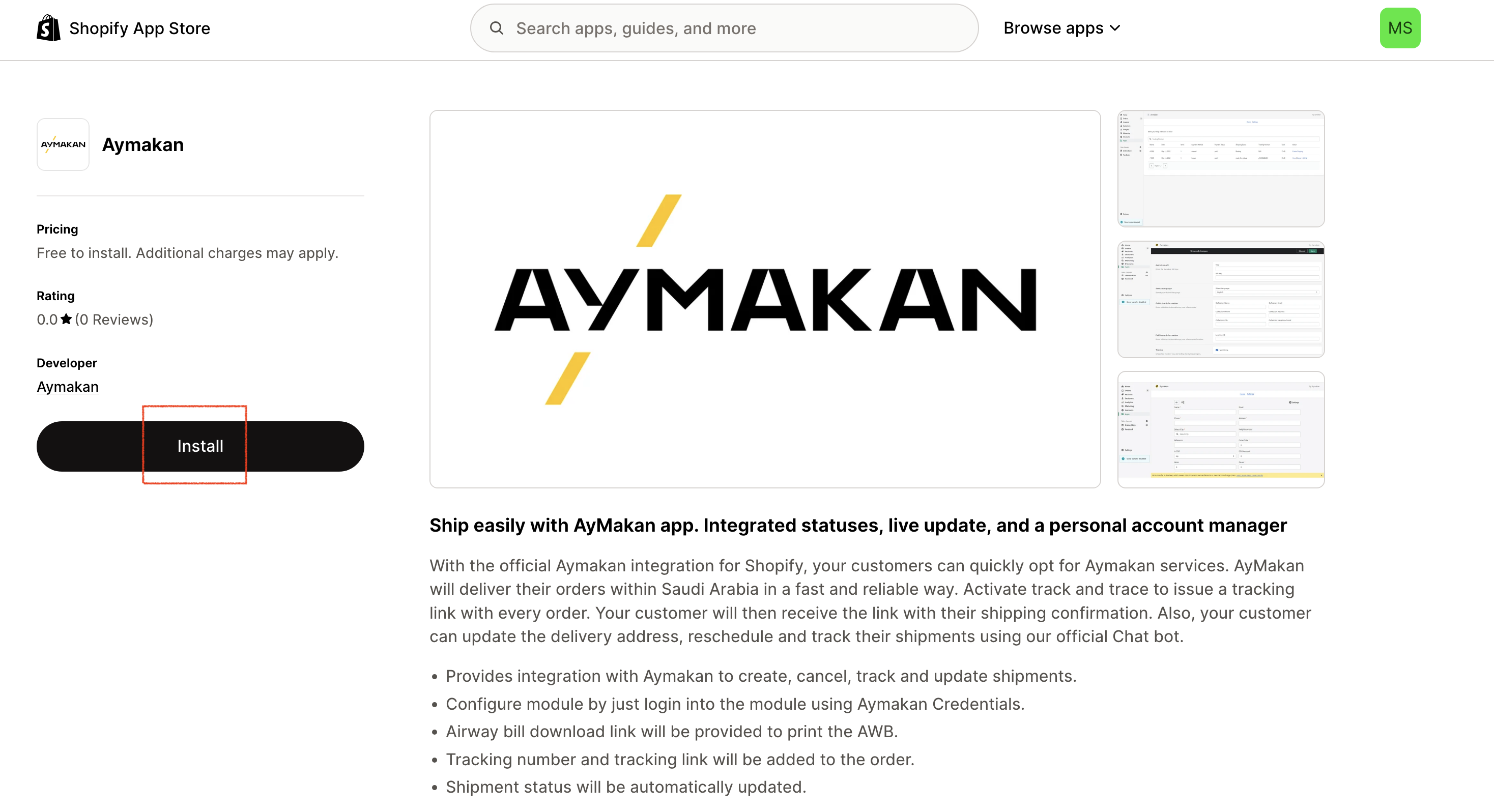
- On the Aymakan app page, click Install.
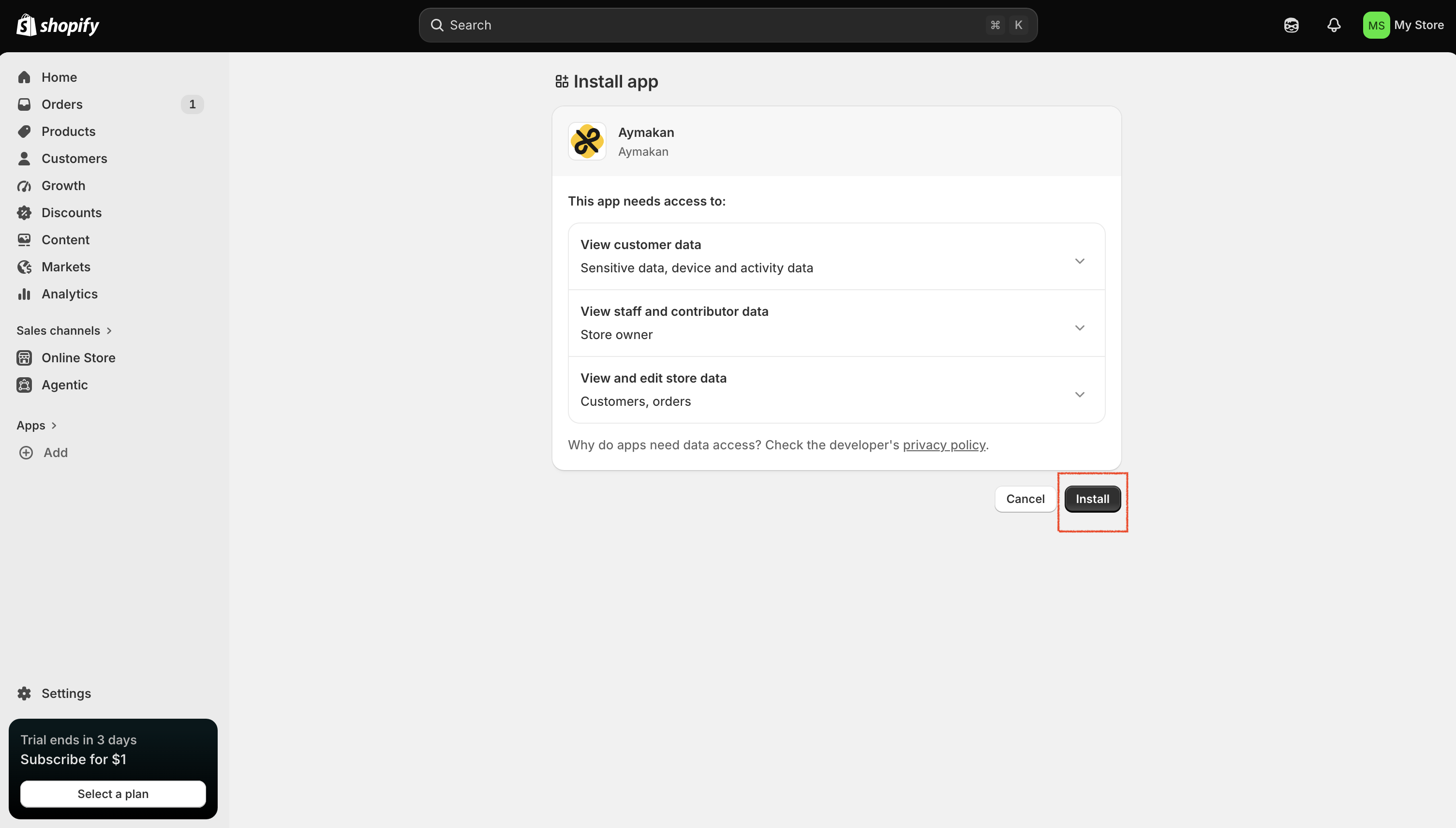
Step 5: Approve permissions
- Shopify shows the data the app needs: customer data, staff data, and store data (customers and orders).
- Review the permissions and click Install.
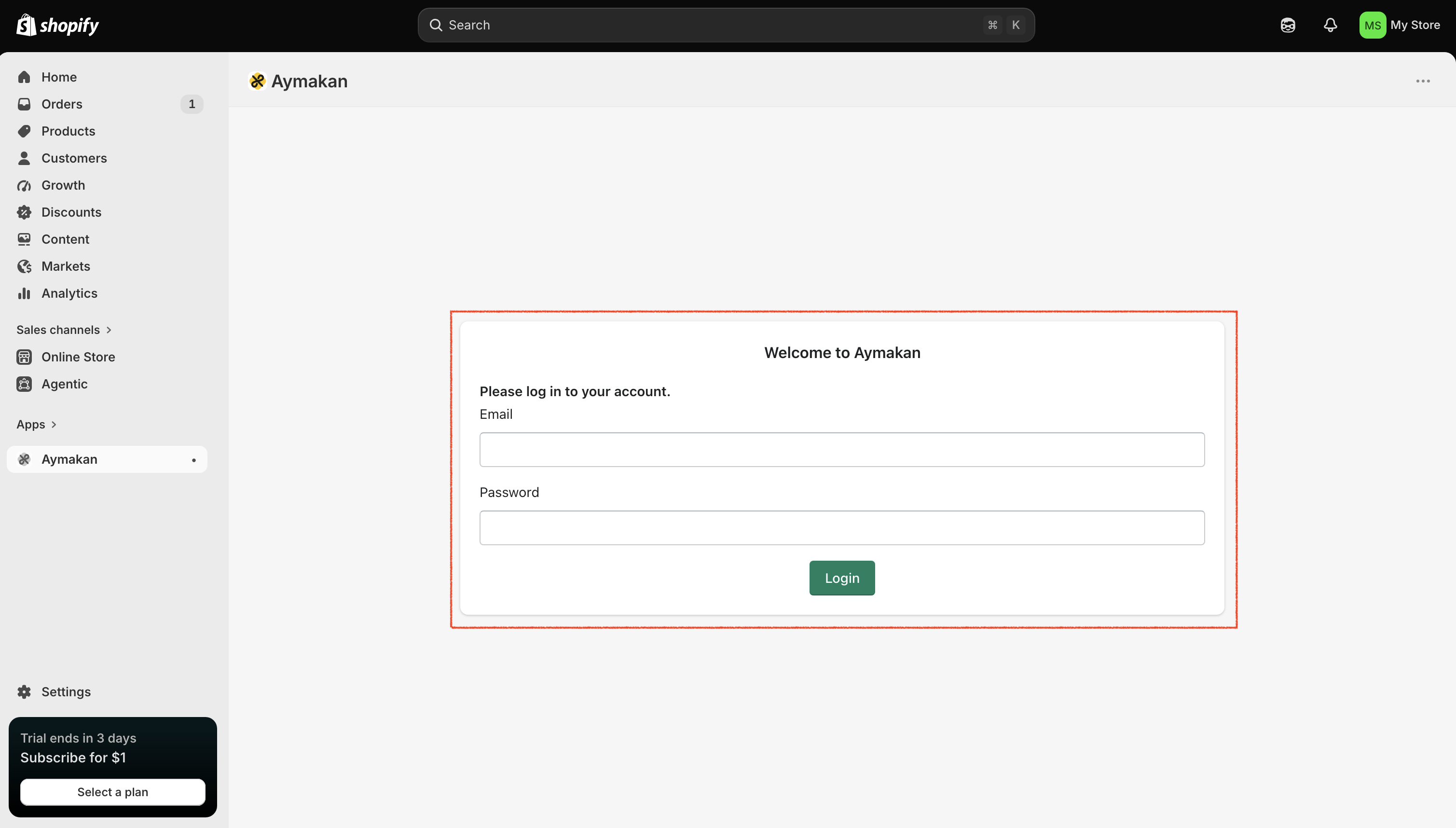
Step 6: Log in to Aymakan
- The Aymakan app opens inside your Shopify admin.
- Enter your Aymakan merchant account Email and Password.
- Click Login.
{info} After installation, Aymakan appears in your Shopify sidebar under Apps. Open it from there whenever you need it.
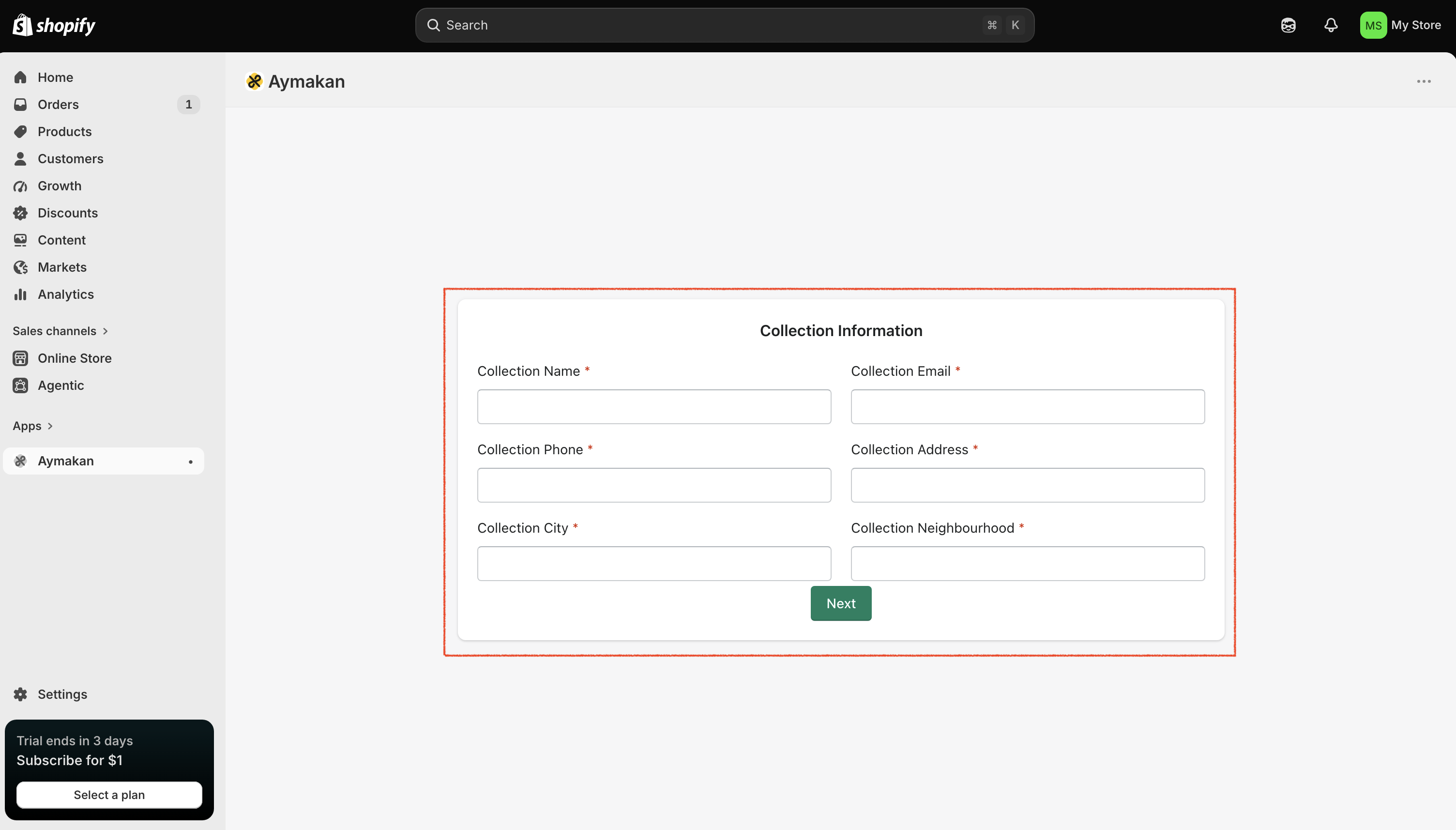
Step 7: Set up collection information
The collection information is where the Aymakan driver picks up your shipments.
- Fill in all required fields: Collection Name, Collection Email, Collection Phone, Collection Address, Collection City, and Collection Neighbourhood.
- Click Next.
{warning} Double-check the city, neighbourhood, and phone number. The driver uses them to reach you for pickups.
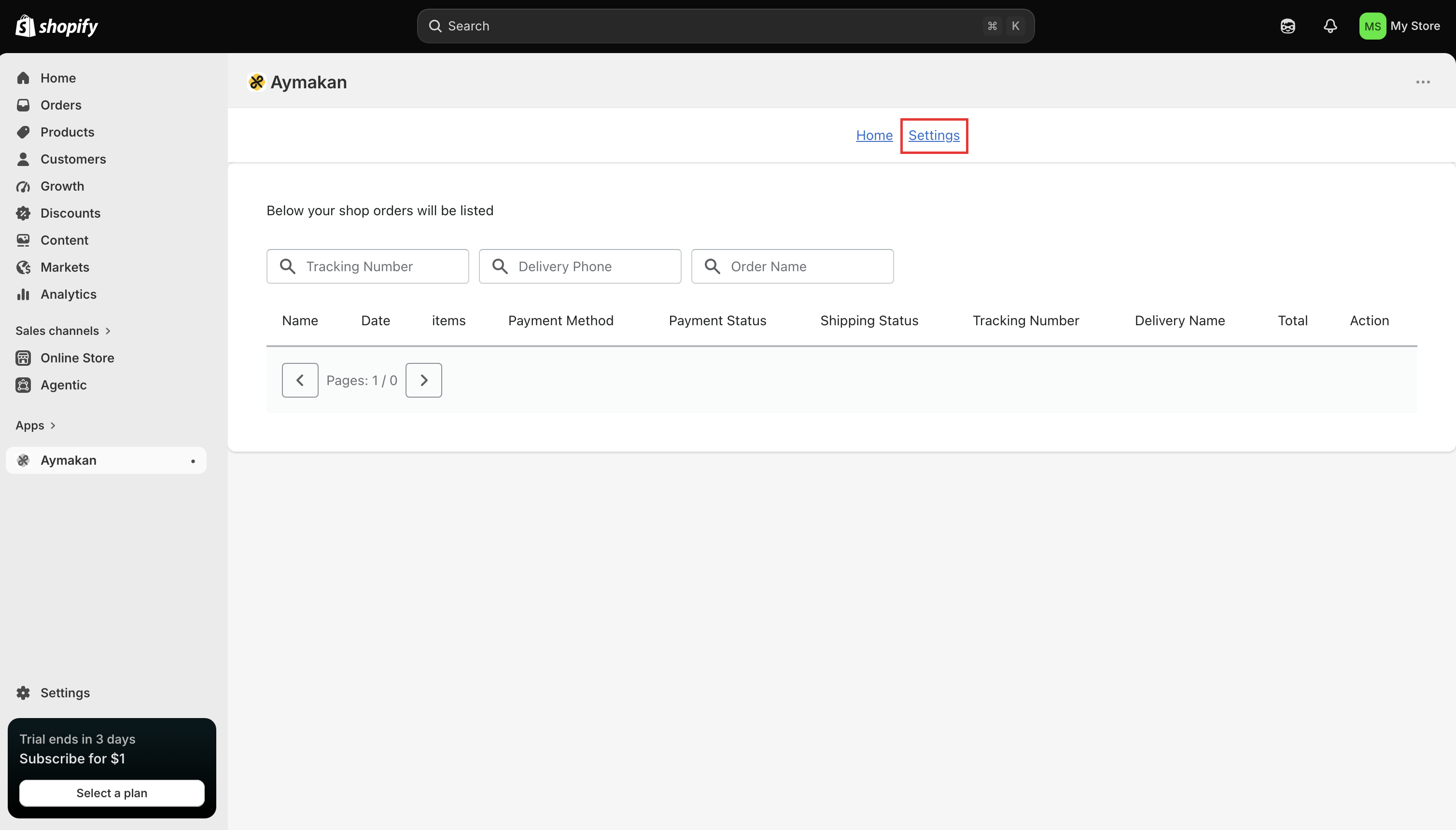
Step 8: Manage shipments
The Aymakan app dashboard opens. It lists your store orders, and you can search them by Tracking Number, Delivery Phone, or Order Name. From here you can track shipments and print AWB labels for new orders.
To change your account or collection details later, use the Settings link at the top of the app.
{tip} Your Shopify store is now connected to Aymakan.
Troubleshooting
- Can't log in to the app: use the same email and password that you use for the AyMakan Customer Dashboard. If they don't work there either, reset your password from the dashboard login page.
- Can't find the app after installing it: open it from Apps → Aymakan in your Shopify sidebar.