Prerequisites
Before you connect your store or system to Aymakan, make sure you have an Aymakan account and your API key.
What you need
- An active Aymakan merchant account.
- Access to the AyMakan Customer Dashboard.
- Your API key, if your integration asks for one. The steps below show where to find it.
Get your API key
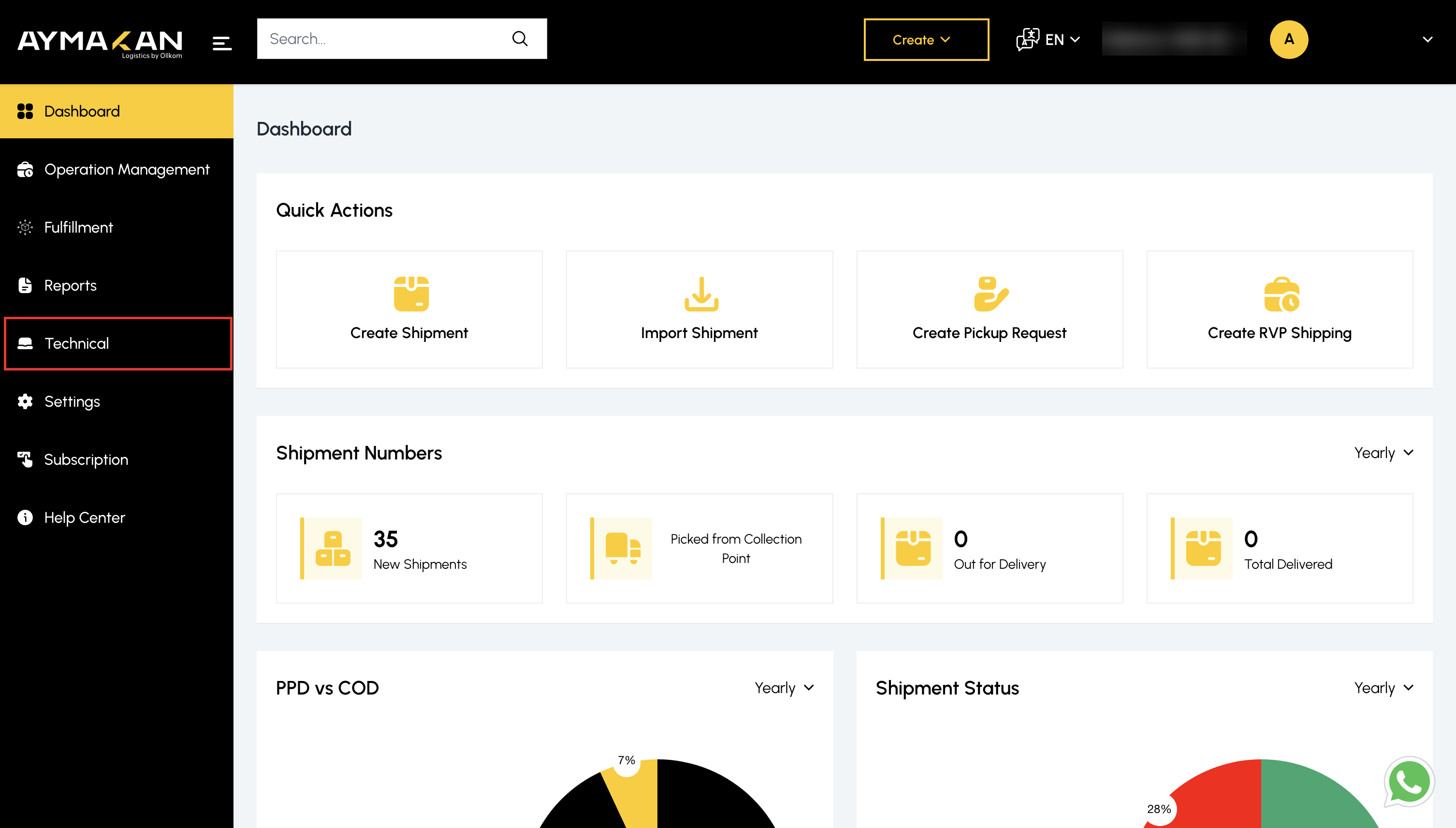
Step 1: Open Technical
- Log in to the AyMakan Customer Dashboard.
- In the sidebar, click Technical.
Step 2: Copy the API key
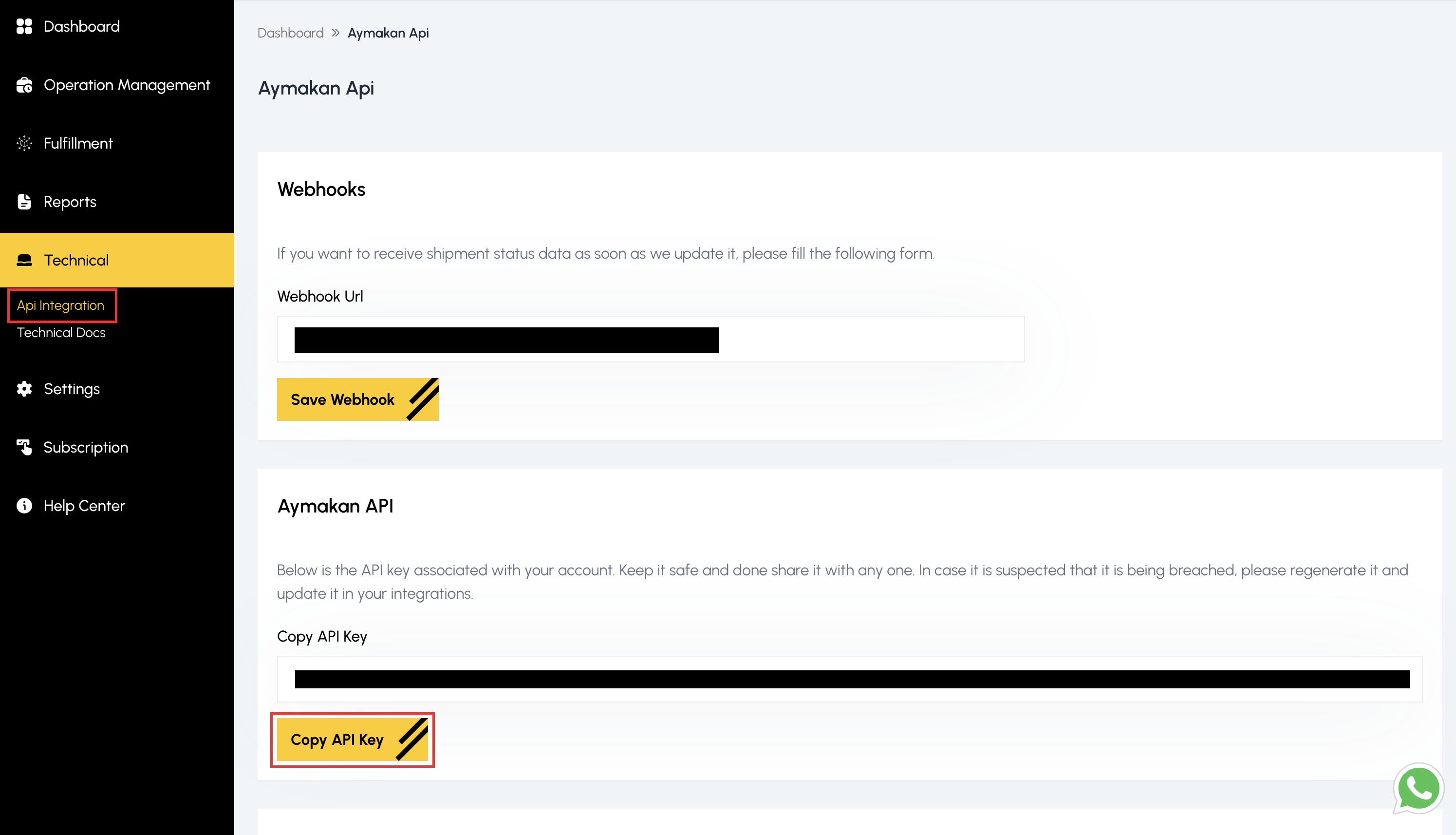
- Under Technical, click Api Integration.
- In the Aymakan API section, click Copy API Key.
{warning} Keep your API key private. If you think someone else has it, regenerate it and update it in all your integrations.
{info} Use your Production API key for live stores. A DEV key causes an Invalid Credentials error in production.
Next steps
Follow the guide for your platform: